Pet and stroke
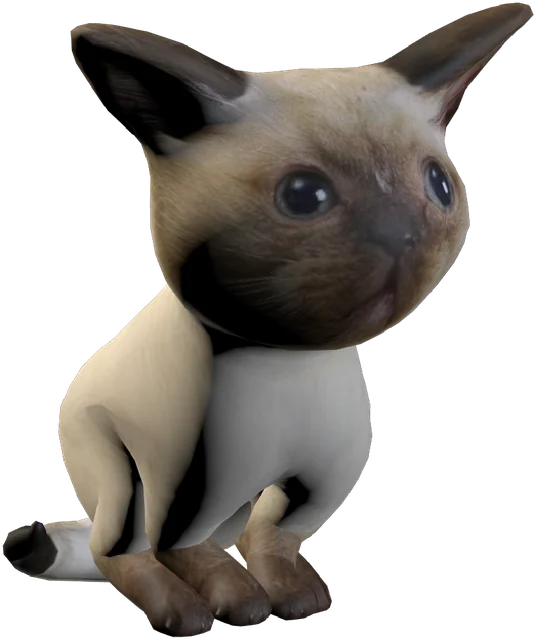
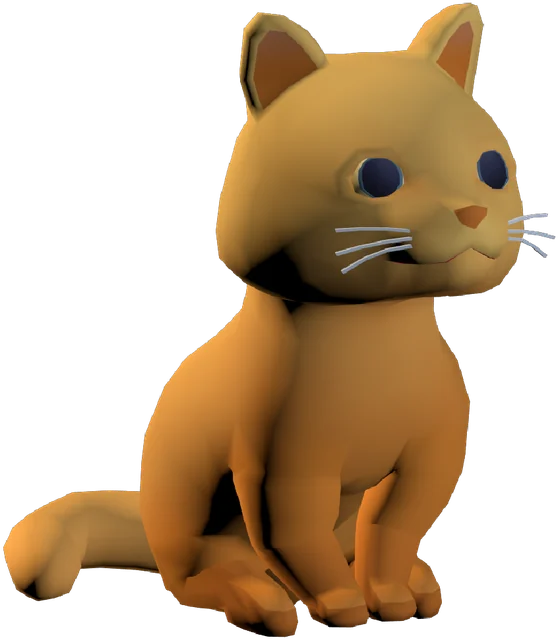
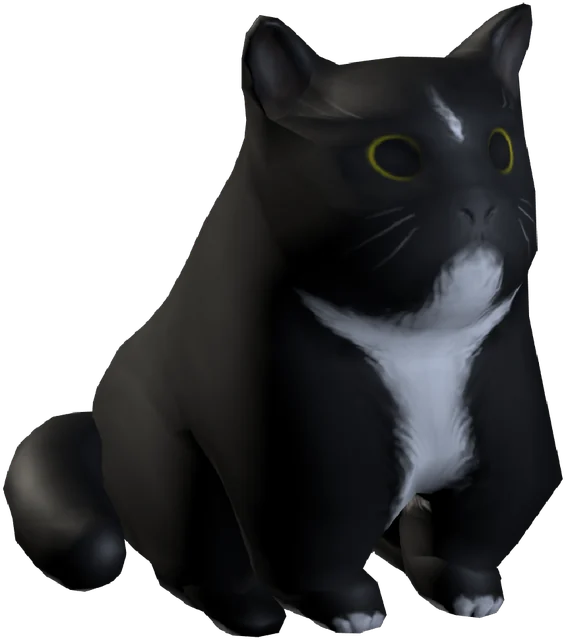
Your fingers have real colliders, so the fur responds where you touch. Each pet has a favourite spot (chin, head, back, belly or tail) and one place it would rather you left alone.
MyVrPet was designed for your bare hands from the very first prototype. Your Meta Quest 3, 3S or Pro tracks your fingers, and your pet feels every stroke, treat and throw. Put the controllers down and reach out.
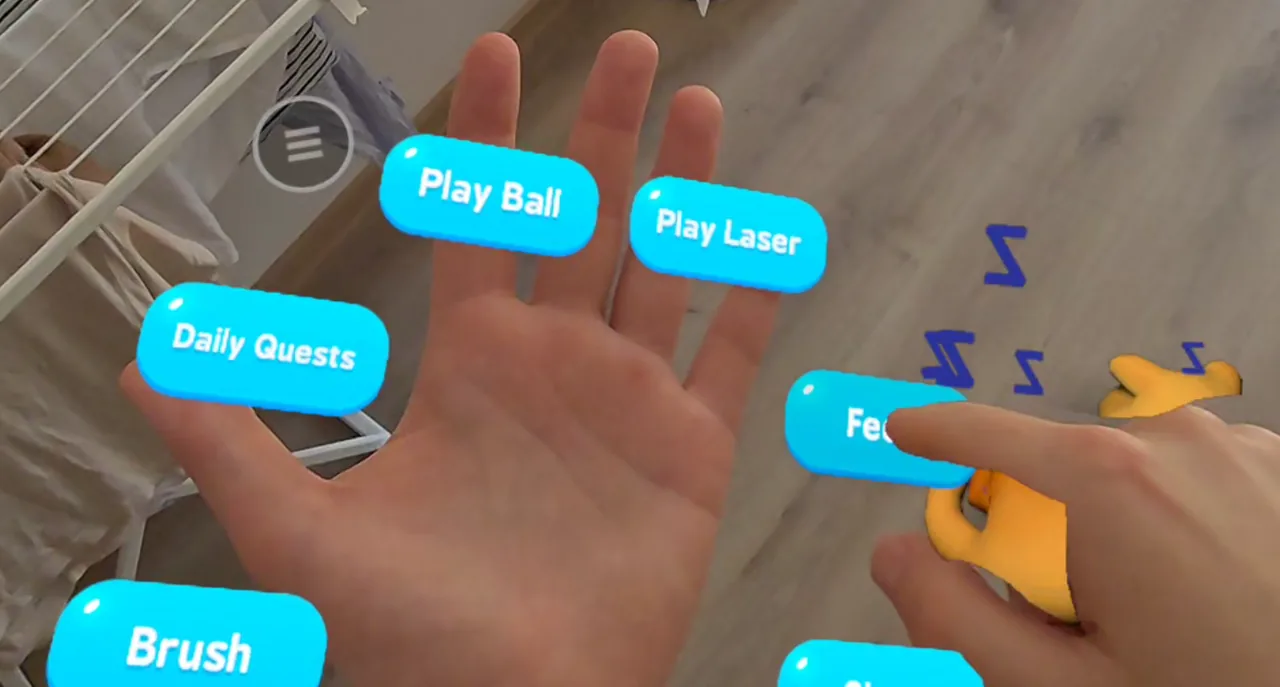
Each of these is a real, physical gesture. There are no buttons to hold and nothing to point and click at your pet.
Your fingers have real colliders, so the fur responds where you touch. Each pet has a favourite spot (chin, head, back, belly or tail) and one place it would rather you left alone.
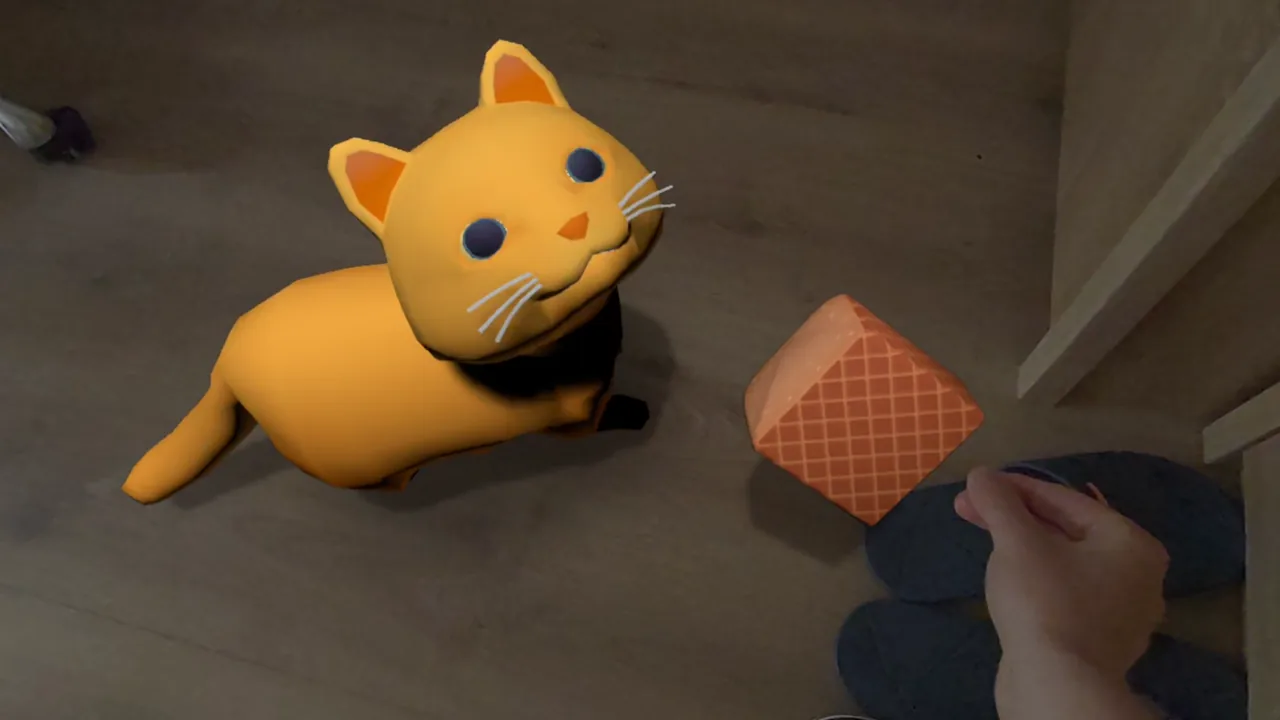
Pick a treat from the menu, hold it out and your pet eats it from your fingers. Or drop it on the floor and let them come to it.
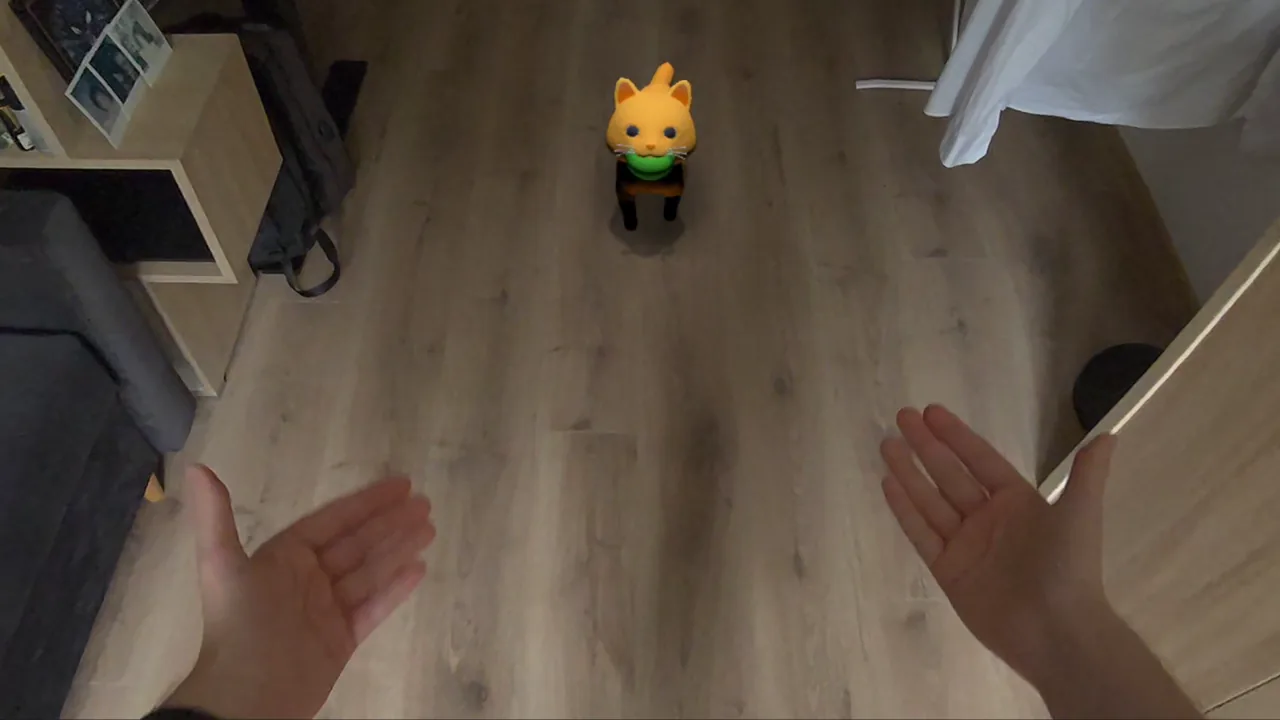
Grab the ball and throw it like a real one. Your throw speed and direction decide where it lands, and your pet brings it back.
In Pounce Patrol you point your finger at holographic critters. The laser locks on by itself, so a shaky hand is fine. Hold it there to dazzle them, and your pet pounces.
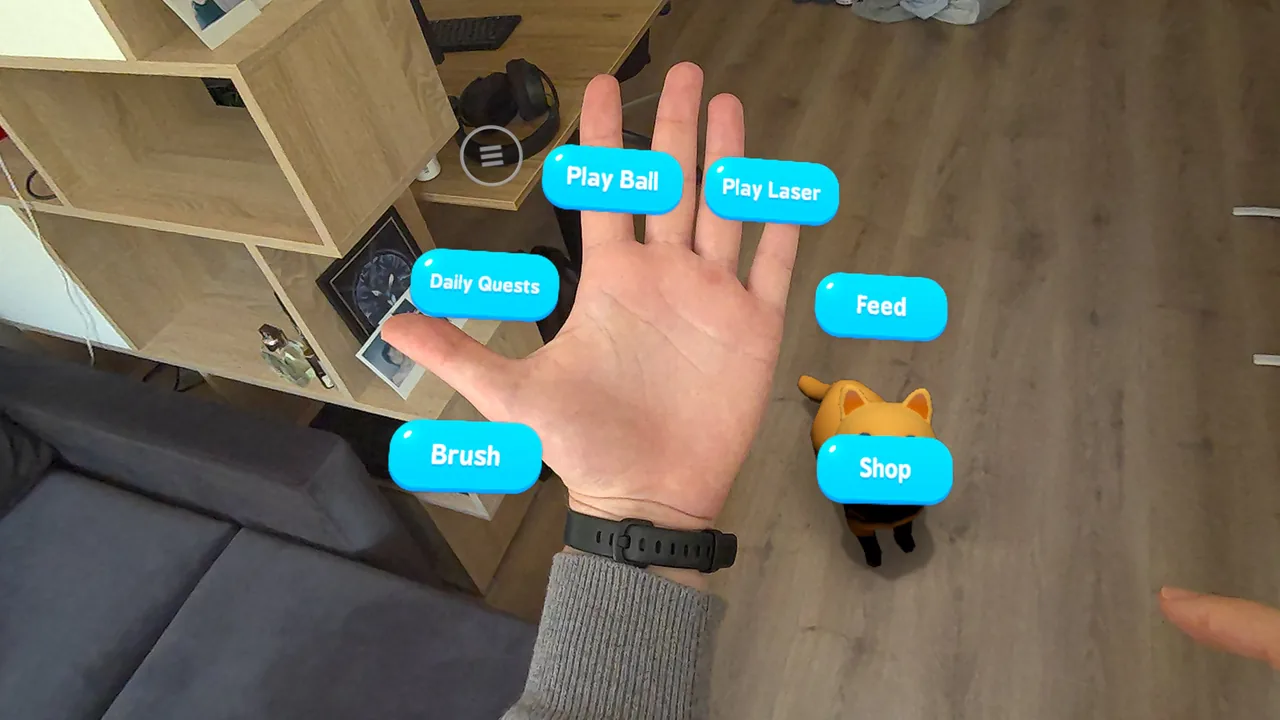
Turn your palm toward you and your activities appear around your hand: play ball, Pounce Patrol, feed, brush, shop and more. Poke a button with your other hand.
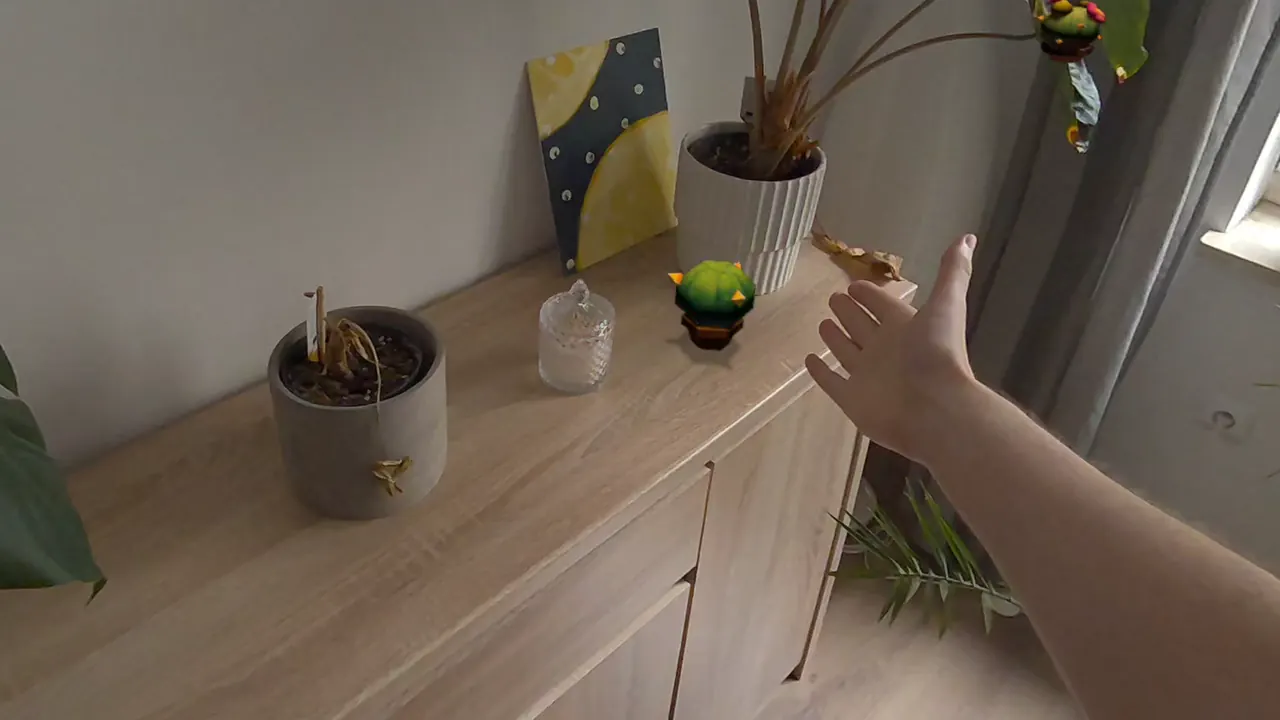
Pick up plants and set them on your real shelves and tables. They stay where you put them, and your pet comes over to sniff anything new.
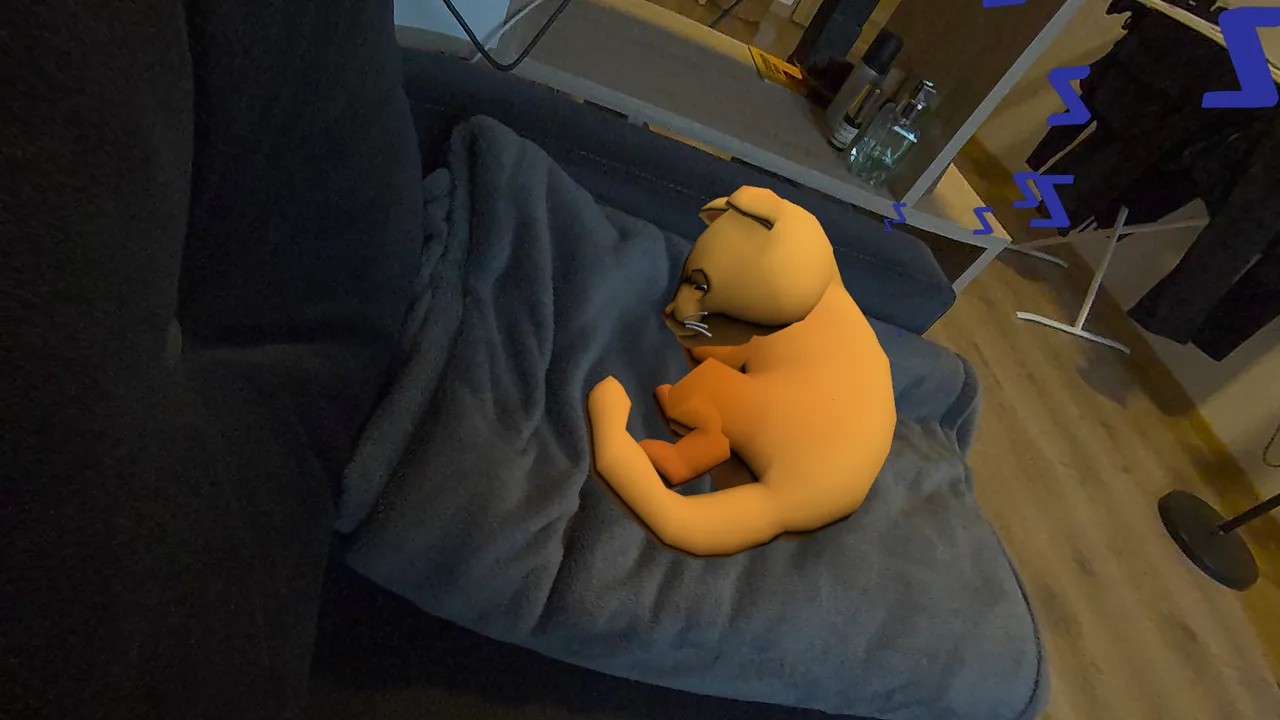
Slide both hands underneath and lift. Your pet stays snug in your hands as you walk, and settles down when you let go.
Push a little too hard and your pet takes a wobbly step to keep its balance, with paws that plant on your floor.
Stroke gently along their back with the brush. Only the bristles count, and soft strokes work best.
In Guardian Mode your swing flings mice toward your cat for a team-up.
With a controller in your hand, petting a virtual cat is a button press. With your bare hand it is a stroke, and your pet reacts to the speed and place of that stroke. Hand tracking also means nothing comes between you and your pet: you can kneel down and hold out a still, low hand, and a curious pet will come over to sniff it.
If something isn't working, the game shows you what it sees and how to fix it. You'll find more help on the support page.
MyVrPet is a hands-first game and plays best that way. If hand tracking really won't work for you, the game offers to use controllers for that session. Your virtual hands are then driven by the controllers, and you can point at menus with a ray. The next time you launch the game, it goes back to hands.
MyVrPet is out now on Meta Quest 3, 3S and Pro. Reach out your hand and say hello.
Get MyVrPet on Meta Quest